Turn your characters into a comic
Comic Studio is the page editor built into Bunimate. Drop generations into panels, add speech bubbles and captions, arrange pages and export the finished book.
Because the art comes from the same generator, you can keep a character consistent across every panel with a LoRA and regenerate any single panel without leaving the editor.
What you get
- Panel layouts. Grid and freeform panel layouts with adjustable gutters and borders.
- Speech bubbles and captions. Editable bubbles, tails and caption boxes with your choice of type.
- Pull from your history. Every image you have generated is one click away inside the editor.
- Multi-page books. Add pages, reorder them and export the whole book.
- Consistent characters. Use the same LoRA across panels to help the cast keep a recognizable look page to page.
Engine: Bunimate image engine, LoRA library.
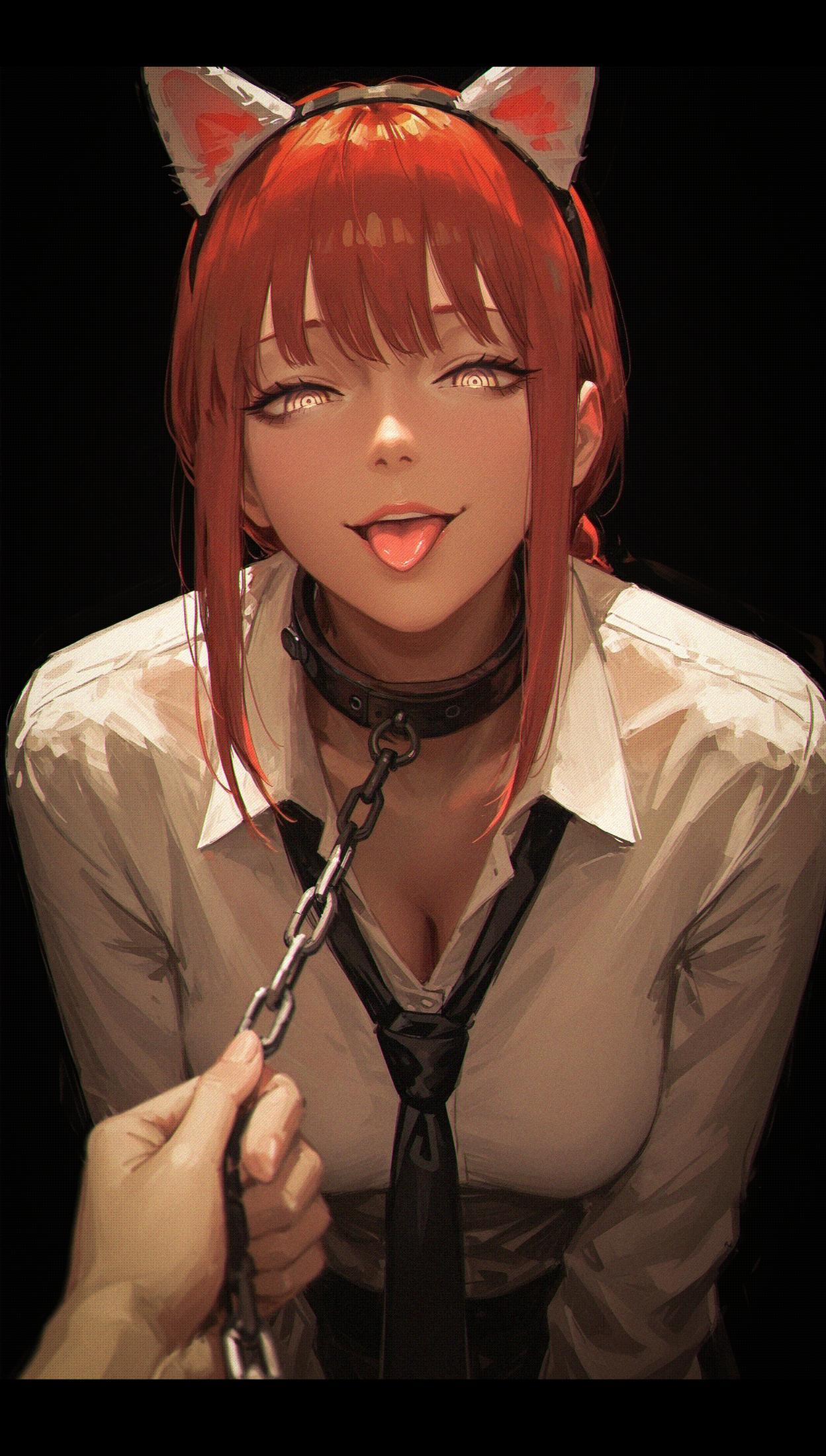
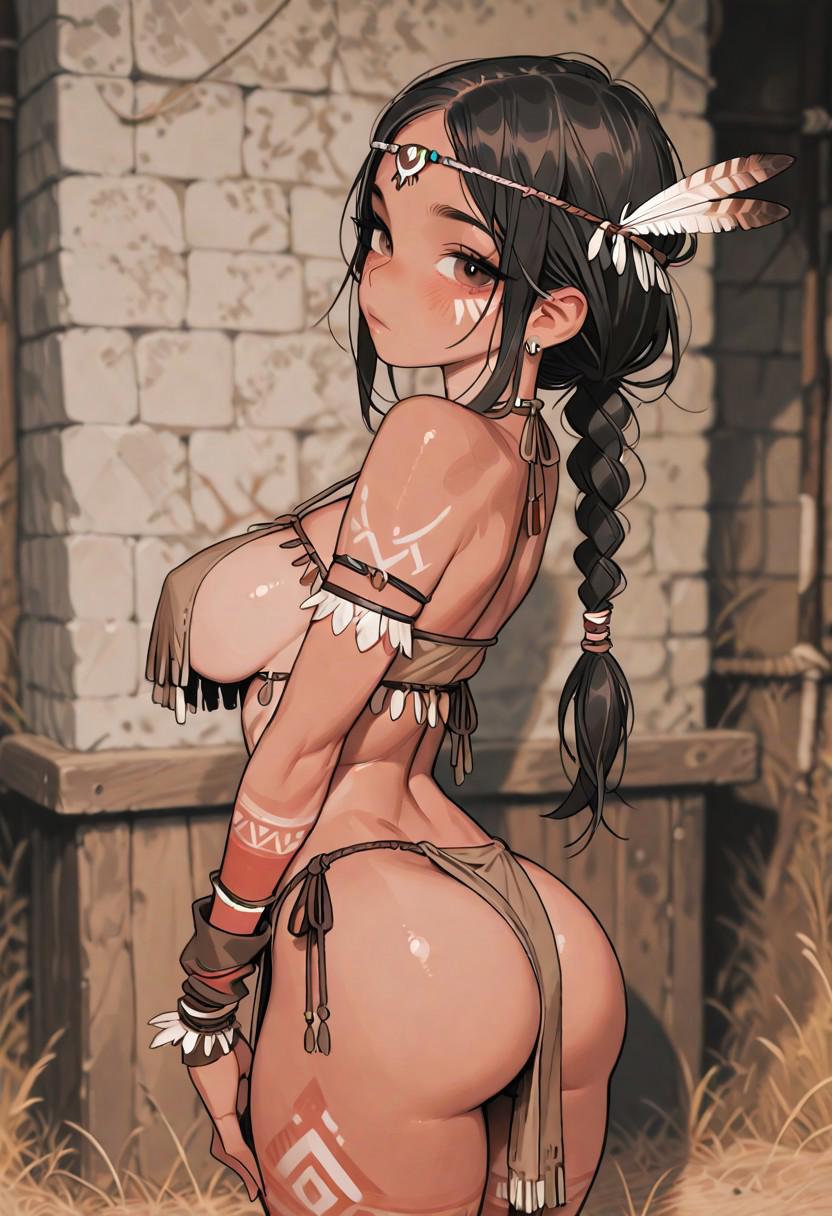
Made with Bunimate




Frequently asked questions
Do I need to draw anything?
No. Panels are filled with AI generations. You can still adjust layout, bubbles and text by hand.
Can characters stay consistent between panels?
Yes. Pick a character LoRA and use it for every panel that character appears in.
Can I build an original fictional universe?
Yes. Create the cast and settings with the image tools, then arrange them into scenes. Reuse character presets and visual references to connect pages and chapters.
What can I export?
Individual pages as images, and complete multi-page books.