Create characters and worlds with AI images
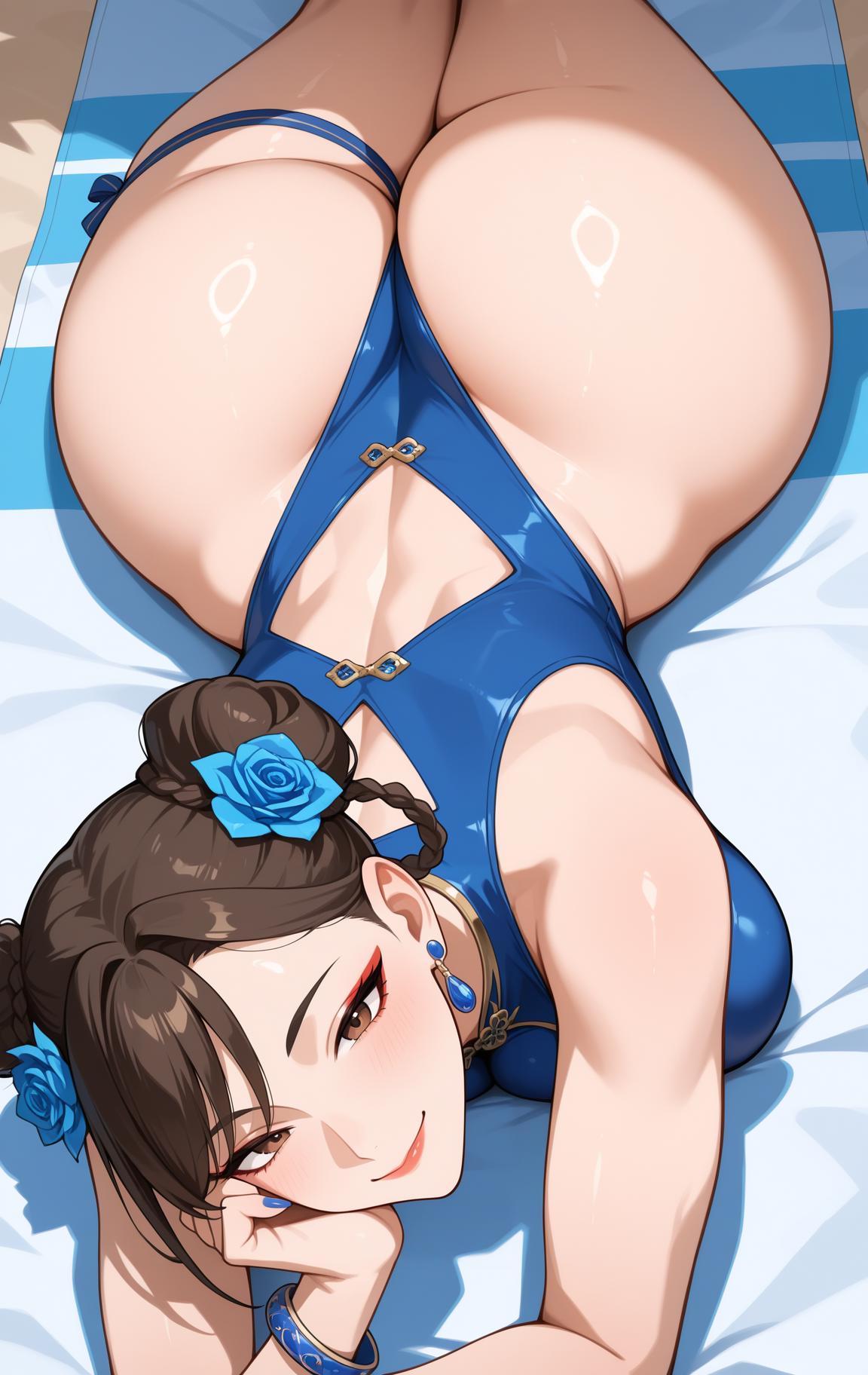
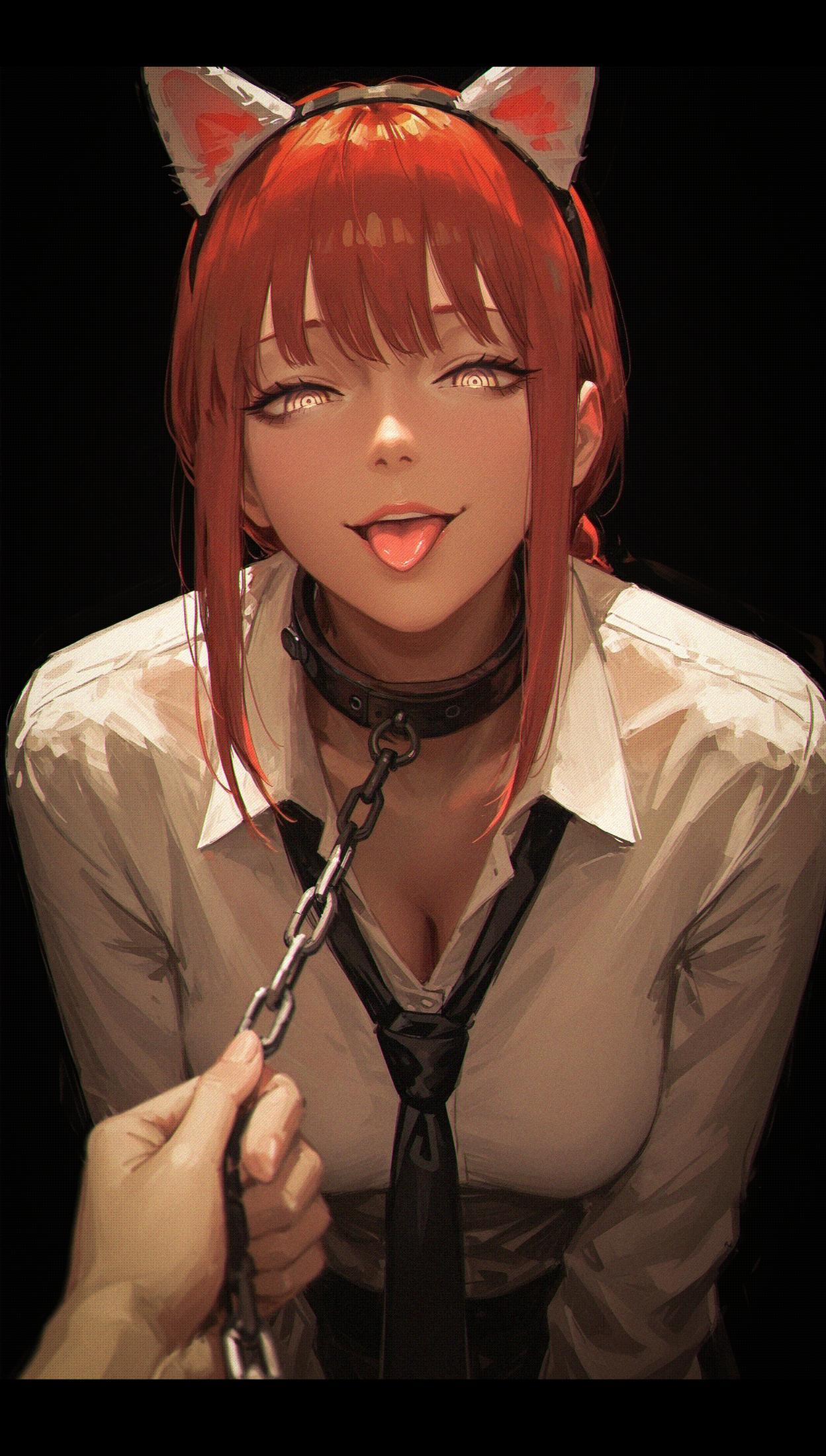
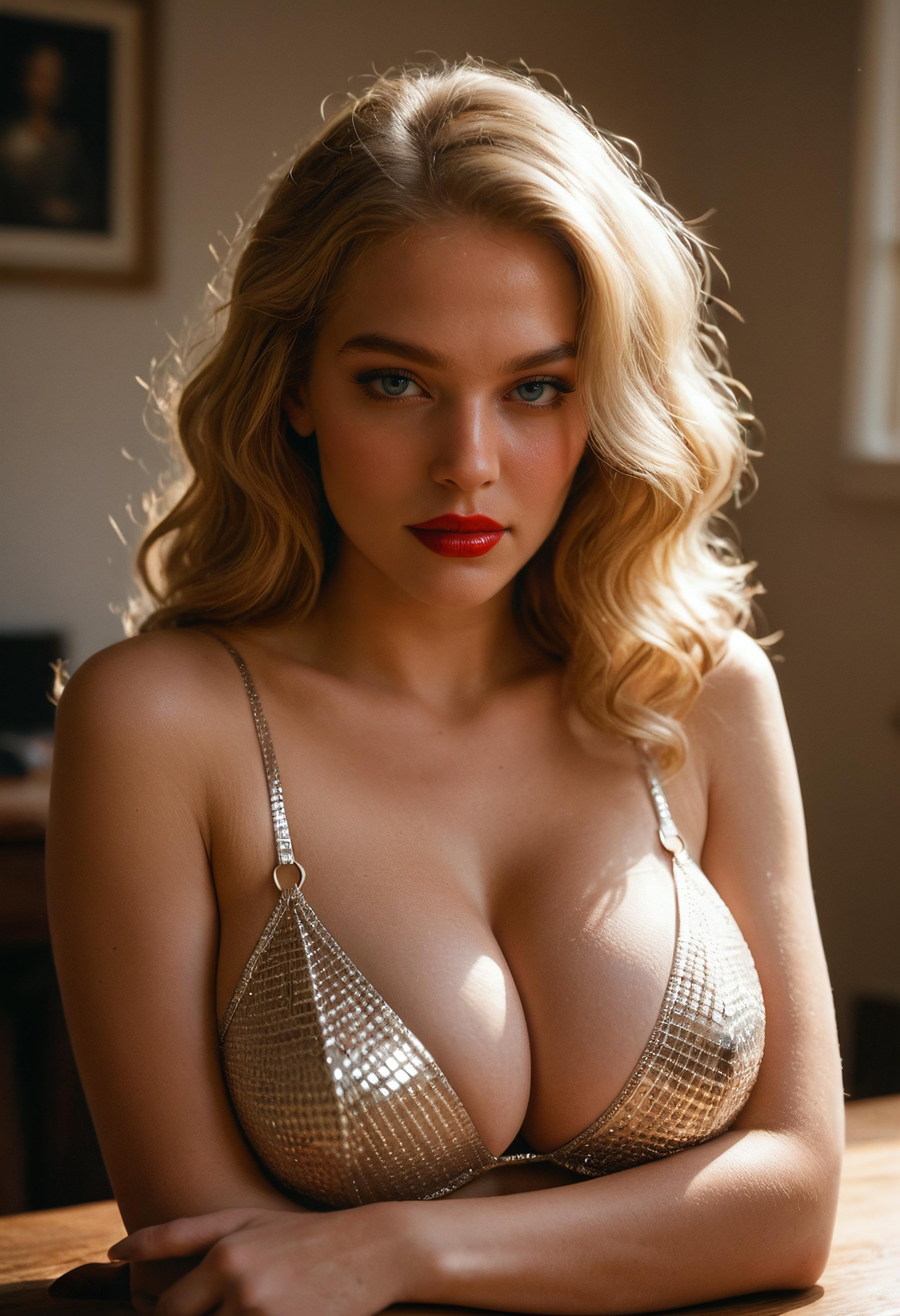
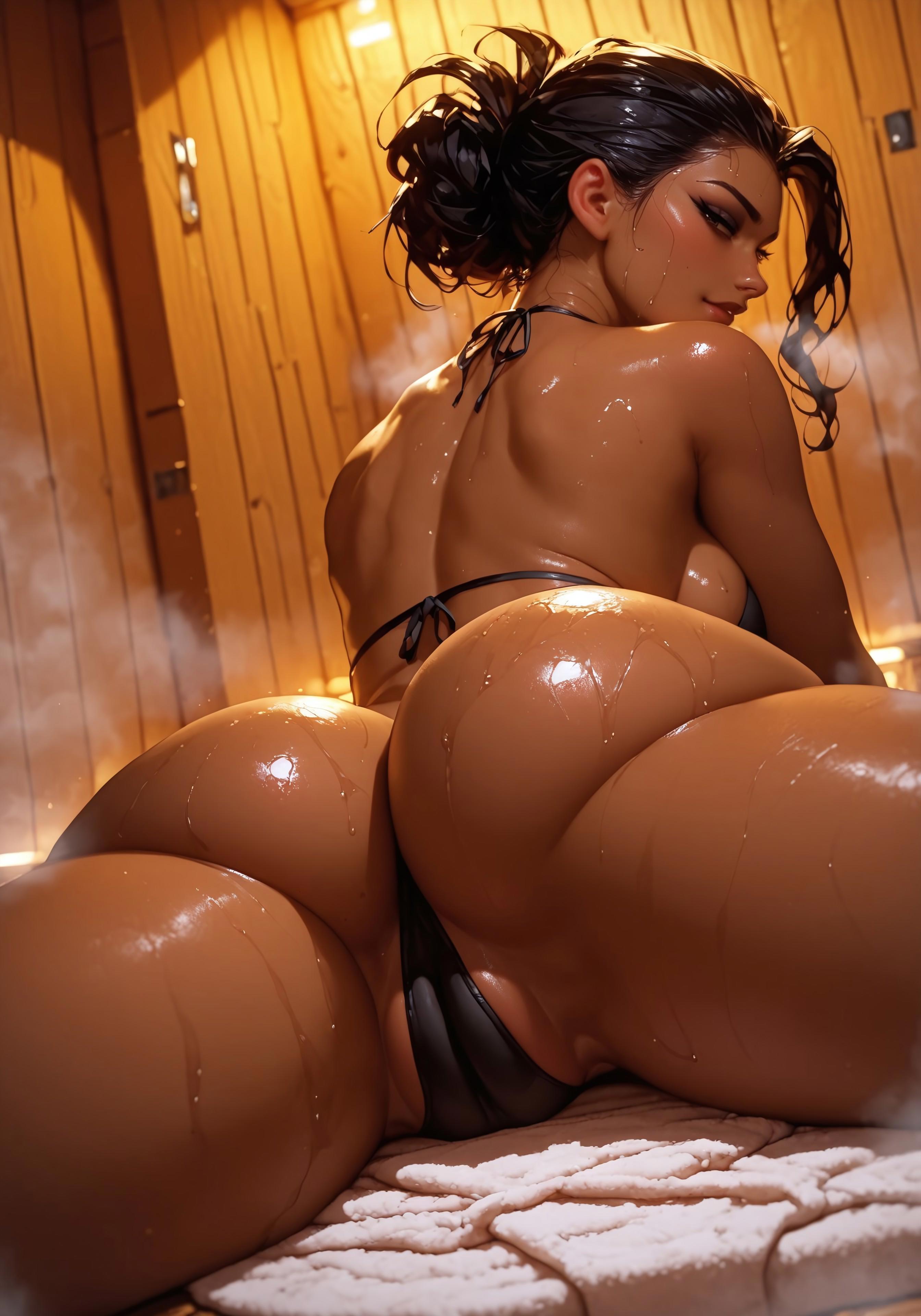
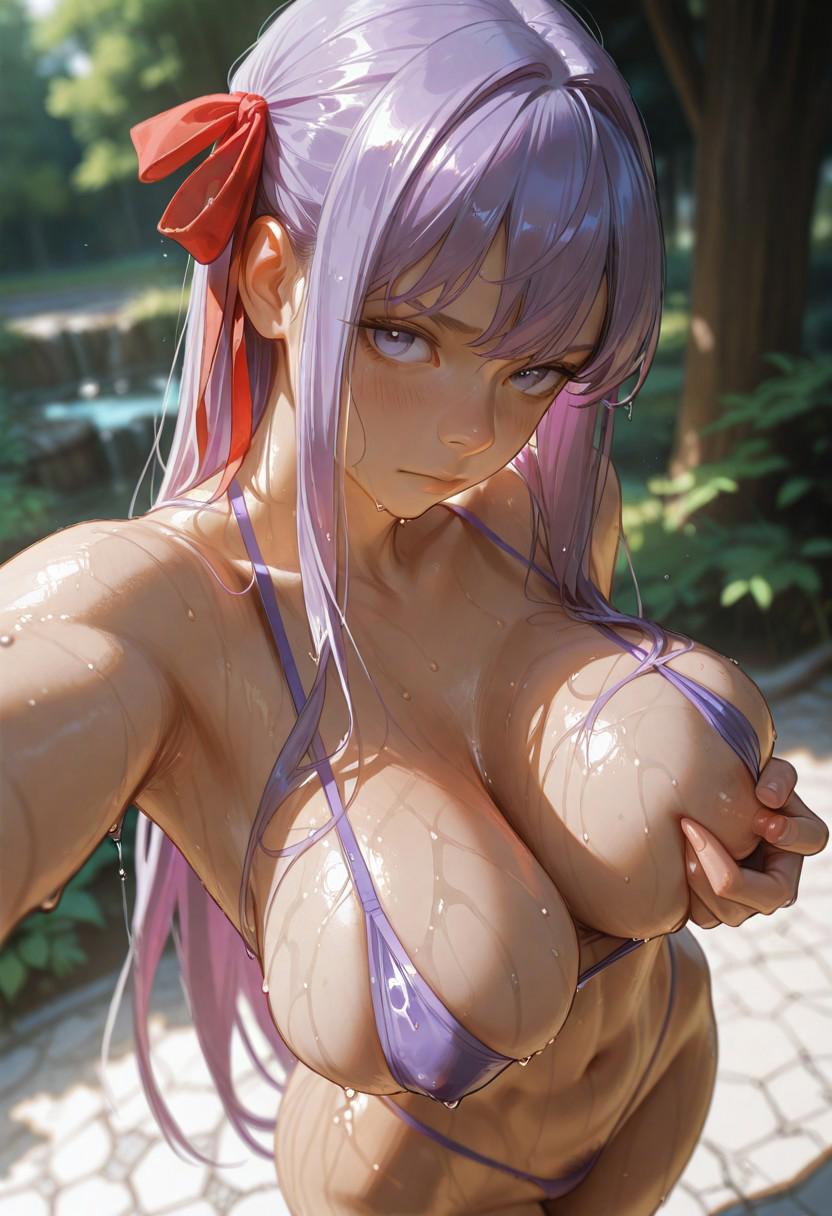
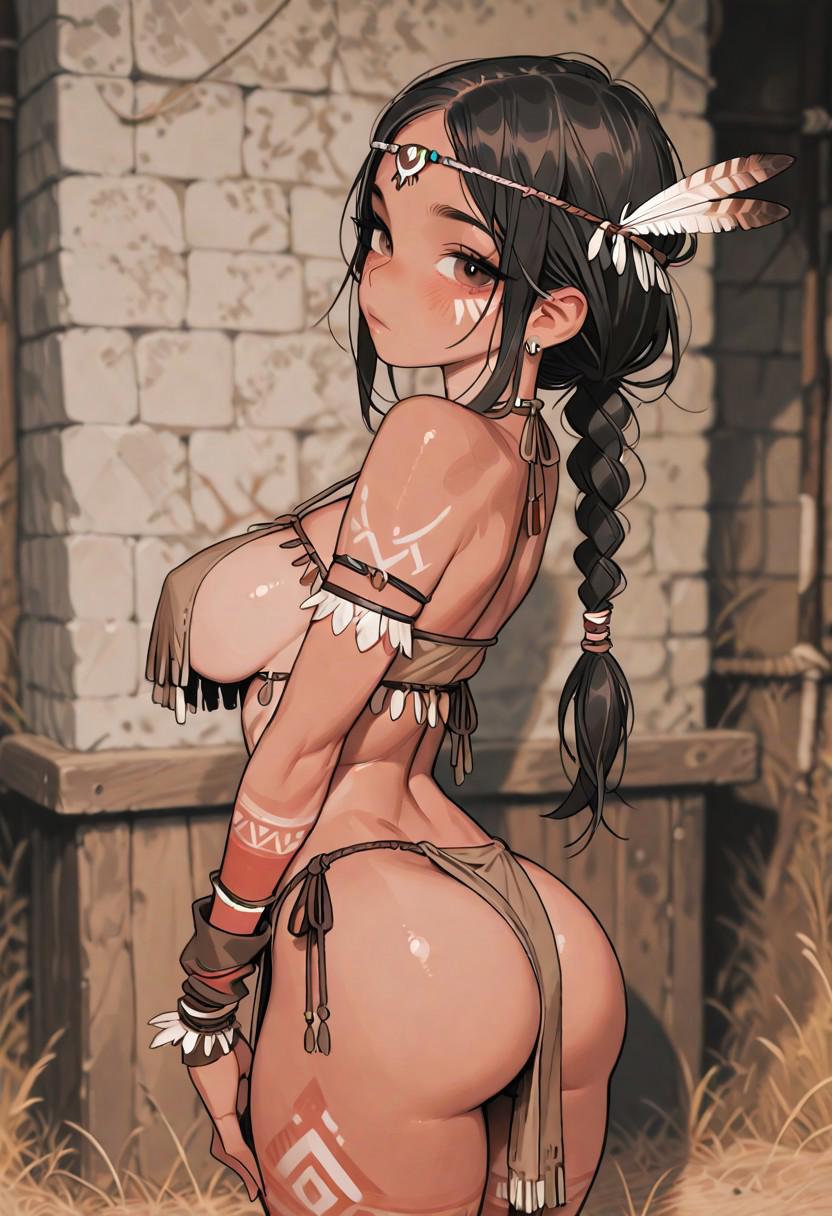
Bunimate turns a text prompt into an image on dedicated GPUs. Pick a photoreal or anime style engine, stack LoRAs for a look or a character, set the size, and the queue renders it.
Start with a character, a setting, or a scene. Explore different visual styles, refine the details, and reuse your creations in video and comics. Creative freedom is supported by clear Safety Guidelines.
What you get
- Photoreal and anime engines. One engine for photoreal and painterly work, one for anime and illustration. Switch per generation.
- LoRA stacking. Apply several LoRAs at once with individual weights to lock a style, an outfit or a character.
- Inpainting. Mask a region and regenerate only that part. Fix hands, change an expression, swap an object.
- Upscaling. Upscale finished images to print-ready resolution without re-rolling the composition.
- Presets. Save a model, LoRA and settings combination and reuse it with one click.
- History and publishing. Every generation lands in your history. Publish the ones you like to the community feed or keep them private.
Engine: Bunimate image engine, LoRA library.
Made with Bunimate
Frequently asked questions
Can I create landscapes as well as characters?
Yes. Describe environments, architecture, costumes, objects, or an entire scene. Generate concept art for a world, then create the characters who inhabit it.
Which image engines does Bunimate run?
A photoreal engine and an anime and illustration engine, each with its own curated LoRA library. New engines and LoRAs are added over time.
Can I use my own LoRA?
You choose from the LoRA library curated for each model. If a LoRA you need is missing, request it through Support.
What sizes and aspect ratios are supported?
Portrait, landscape and square presets, plus an upscale step for larger output.
Is there a free tier?
A Free plan includes a token allowance for trying the tools. Check pricing for current allowances and beta access requirements.